
A guide on changing the PHP version of a domain in cPanel.
Instructions
-
Login to the cPanel account you want to edit
-
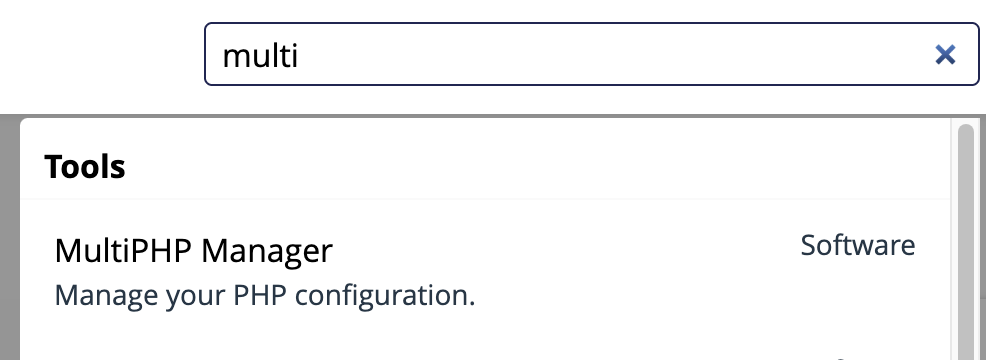
In the upper right hand corner search box, search for “multi” and select MultiPHP manager
- Make a note of the current PHP version
- Select an updated version of PHP from the dropdown on the right and click Apply

- Visit your site to confirm that the above change does not break it. If it does break the site, revert back to the original version.